> ## Documentation Index
> Fetch the complete documentation index at: https://docs.trady.xyz/llms.txt
> Use this file to discover all available pages before exploring further.
# Quickstart: Your First Trade
> From signup to your first position in about five minutes. No KYC required.
From zero to your first position in about five minutes. Nothing here requires KYC.
## 1. Create your account
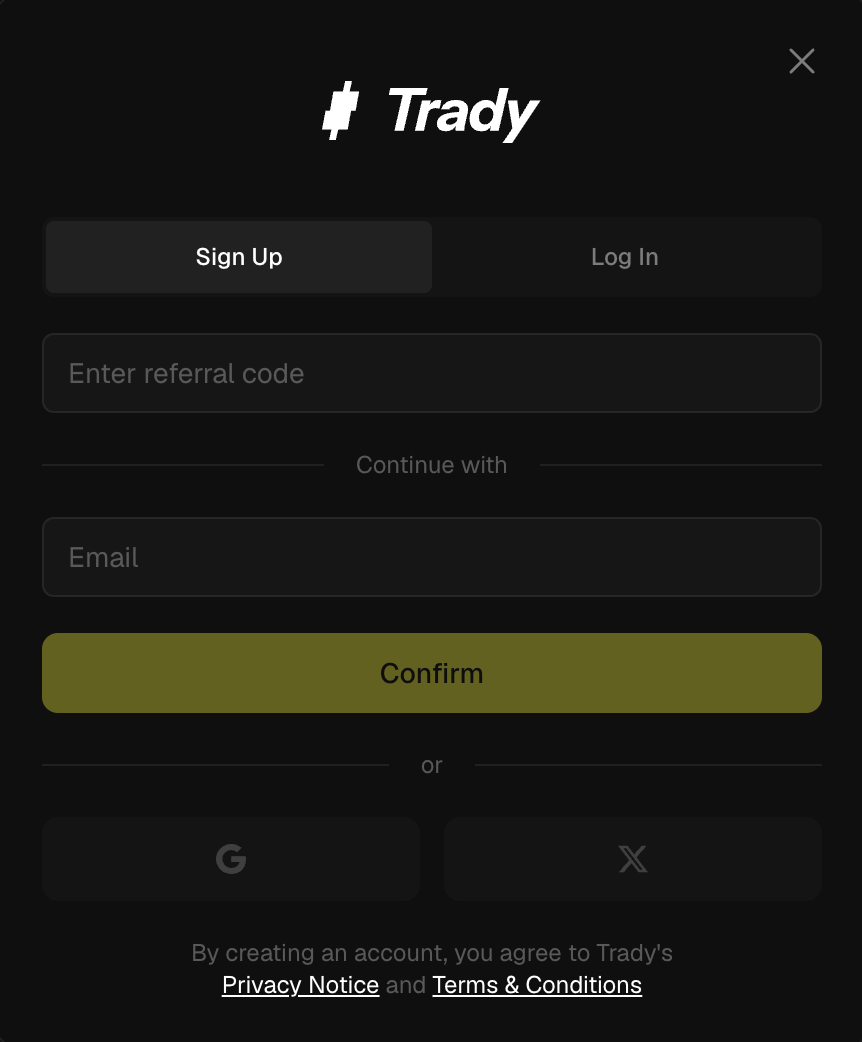
Go to [trady.xyz](https://trady.xyz) and sign up with **email, Google, or X**. Trady creates your trading wallets automatically — one for Solana, one for EVM chains. Authentication and wallet security run on [Privy](https://privy.io).
 **Do this before you deposit:** open Wallets and [export your private keys](/account-wallets/custody-key-export-import). Store them offline. Your wallet should never depend on any single app — including ours.
## 2. Deposit funds
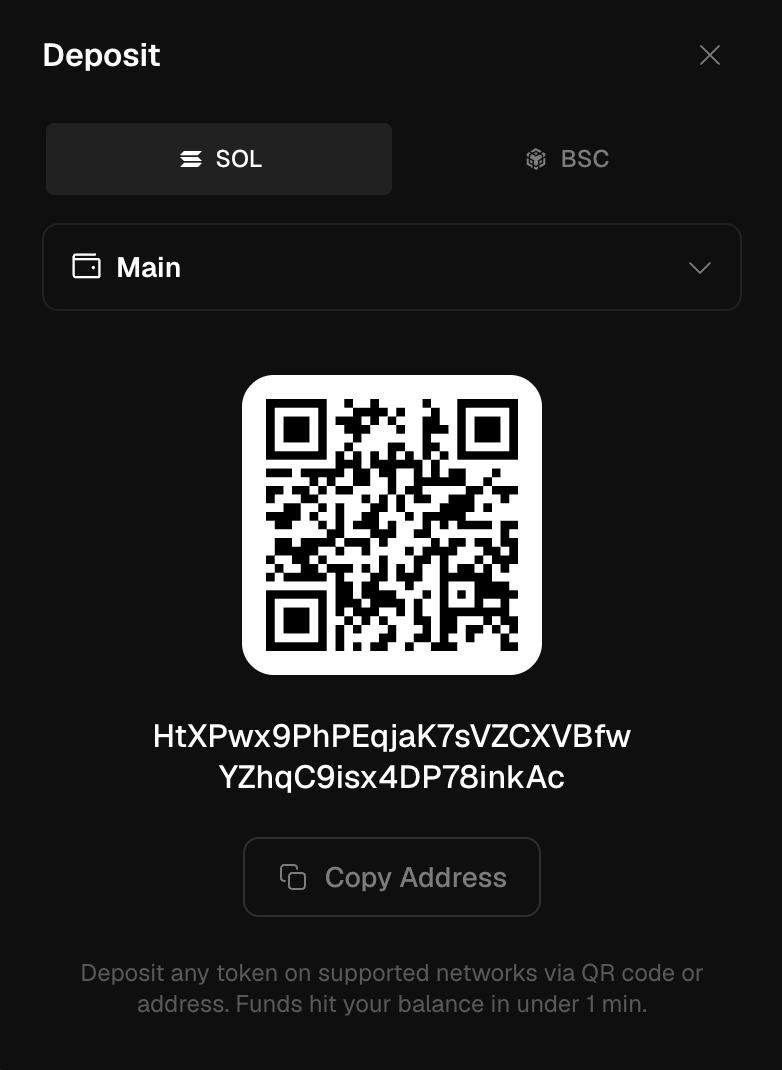
Click **Deposit**, pick a network (Solana or BNB), and send **any asset from that chain, any amount** — no minimums. USDC is the balance currency, held per chain; moving value between your Solana and EVM balances is one click through the built-in bridge. See [USDC Balance & Bridge](/portfolio/usdc-balance).
**Do this before you deposit:** open Wallets and [export your private keys](/account-wallets/custody-key-export-import). Store them offline. Your wallet should never depend on any single app — including ours.
## 2. Deposit funds
Click **Deposit**, pick a network (Solana or BNB), and send **any asset from that chain, any amount** — no minimums. USDC is the balance currency, held per chain; moving value between your Solana and EVM balances is one click through the built-in bridge. See [USDC Balance & Bridge](/portfolio/usdc-balance).
 Details and minimums: [Deposit](/account-wallets/deposit).
## 3. Find a token
Three ways in:
* **[Trenches](/discovery/trenches)** — fresh launchpad tokens, from just-launched to just-bonded.
* **[Discover](/discovery/discover)** — Watchlist, Trending, New Pairs, KOL's Alpha, and your own Custom Radar.
* **Search** — paste a CA or type a ticker. Fastest route when you already have a target.
## 4. Vet it
Before you ape, look at the [Token Page](/discovery/token-page). Top 10 holders, dev holding, snipers, bundles, security audit, buy/sell taxes — all on one screen. If you're not sure what these numbers mean, read [Reading a Token Page](/learn/reading-a-token-page). It takes ten minutes and it will save you a deposit.
## 5. Buy
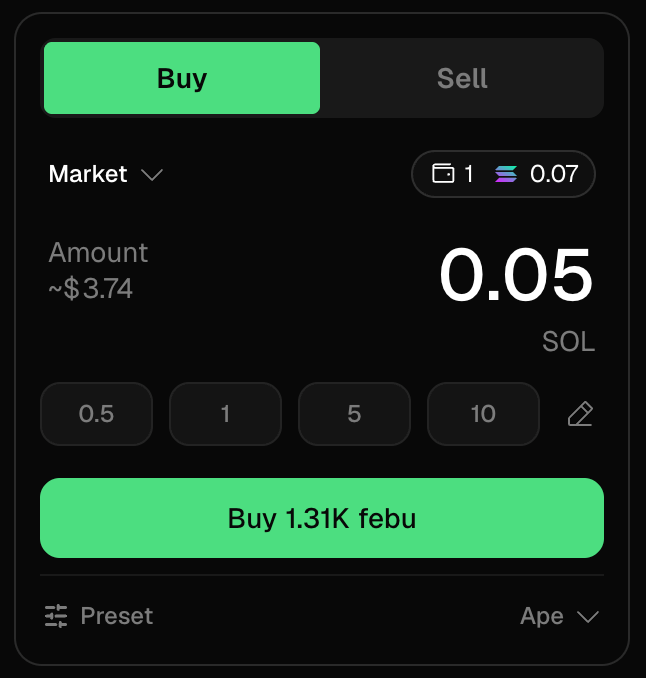
Set your amount (or use a preset), check slippage, hit **Buy**. See [Transaction Lifecycle](/trading/transaction-lifecycle) for what happens under the hood.
Details and minimums: [Deposit](/account-wallets/deposit).
## 3. Find a token
Three ways in:
* **[Trenches](/discovery/trenches)** — fresh launchpad tokens, from just-launched to just-bonded.
* **[Discover](/discovery/discover)** — Watchlist, Trending, New Pairs, KOL's Alpha, and your own Custom Radar.
* **Search** — paste a CA or type a ticker. Fastest route when you already have a target.
## 4. Vet it
Before you ape, look at the [Token Page](/discovery/token-page). Top 10 holders, dev holding, snipers, bundles, security audit, buy/sell taxes — all on one screen. If you're not sure what these numbers mean, read [Reading a Token Page](/learn/reading-a-token-page). It takes ten minutes and it will save you a deposit.
## 5. Buy
Set your amount (or use a preset), check slippage, hit **Buy**. See [Transaction Lifecycle](/trading/transaction-lifecycle) for what happens under the hood.
 ## 6. Manage the position
* Track it in [Portfolio](/portfolio/portfolio-positions) — PnL updates live.
* Set a **TP/SL** [limit order](/trading/limit-orders) at your target level.
* Sell part or all with [Quick Sell](/trading/instant-trade-quick-buy-sell).
* Hit a banger? Flex it with a [PNL Card](/portfolio/pnl-cards).
## Fee check
You start at the entry tier — **Believer, 1.00% per trade** (min \$0.10) — and your tier upgrades automatically the moment your 30-day volume crosses the next threshold. That can happen on day one: trade \$25k and you're already at Ape (0.90%).
Joined via a friend's referral link? You get the **Ape tier (0.90%) as your floor for the first 30 days** — and volume can still upgrade you higher at any time. Full math: [Fees](/fees-rewards/fees).
## 6. Manage the position
* Track it in [Portfolio](/portfolio/portfolio-positions) — PnL updates live.
* Set a **TP/SL** [limit order](/trading/limit-orders) at your target level.
* Sell part or all with [Quick Sell](/trading/instant-trade-quick-buy-sell).
* Hit a banger? Flex it with a [PNL Card](/portfolio/pnl-cards).
## Fee check
You start at the entry tier — **Believer, 1.00% per trade** (min \$0.10) — and your tier upgrades automatically the moment your 30-day volume crosses the next threshold. That can happen on day one: trade \$25k and you're already at Ape (0.90%).
Joined via a friend's referral link? You get the **Ape tier (0.90%) as your floor for the first 30 days** — and volume can still upgrade you higher at any time. Full math: [Fees](/fees-rewards/fees).