Setting up your account on the platform only takes a few seconds.

Create Account

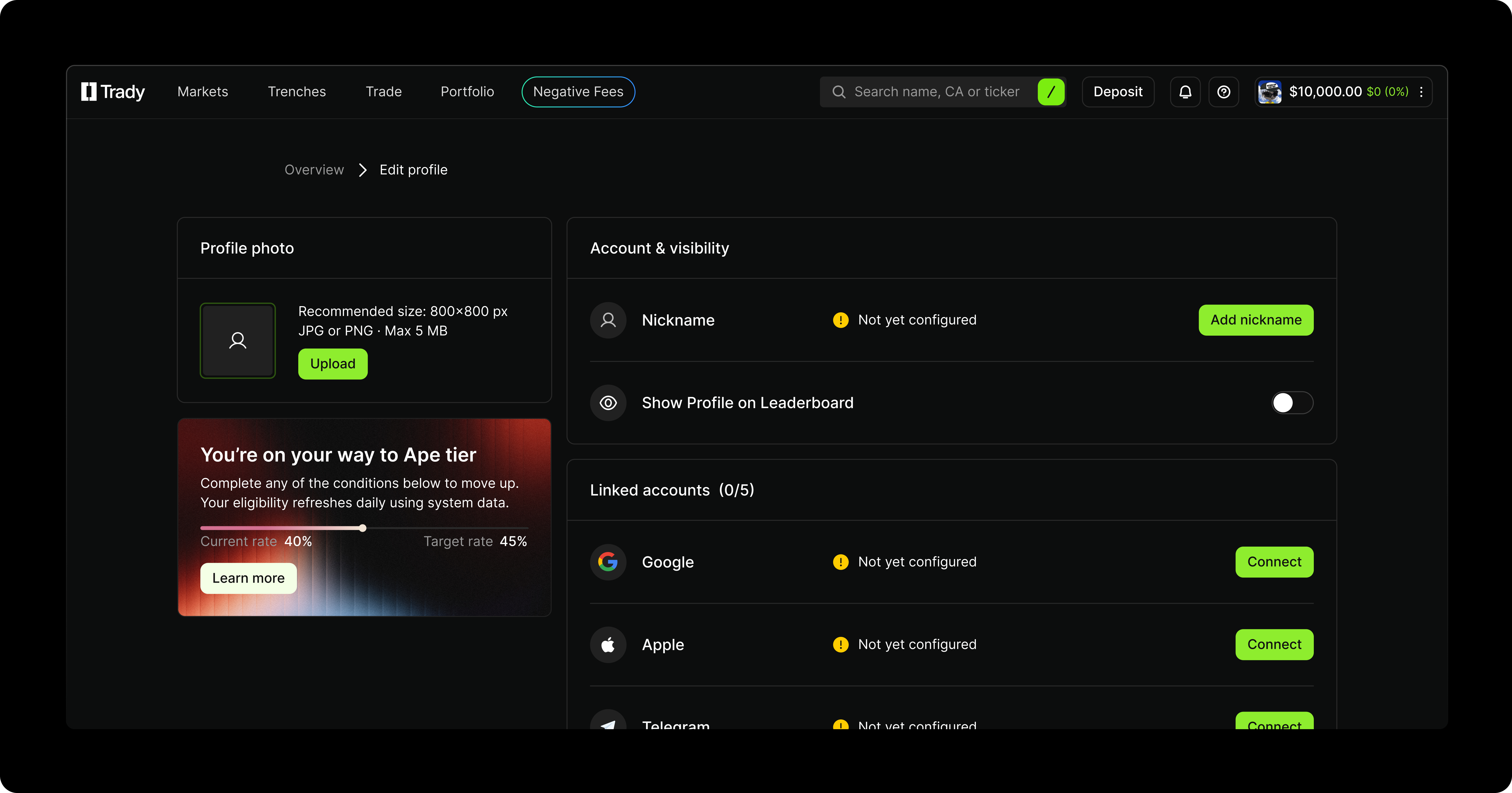
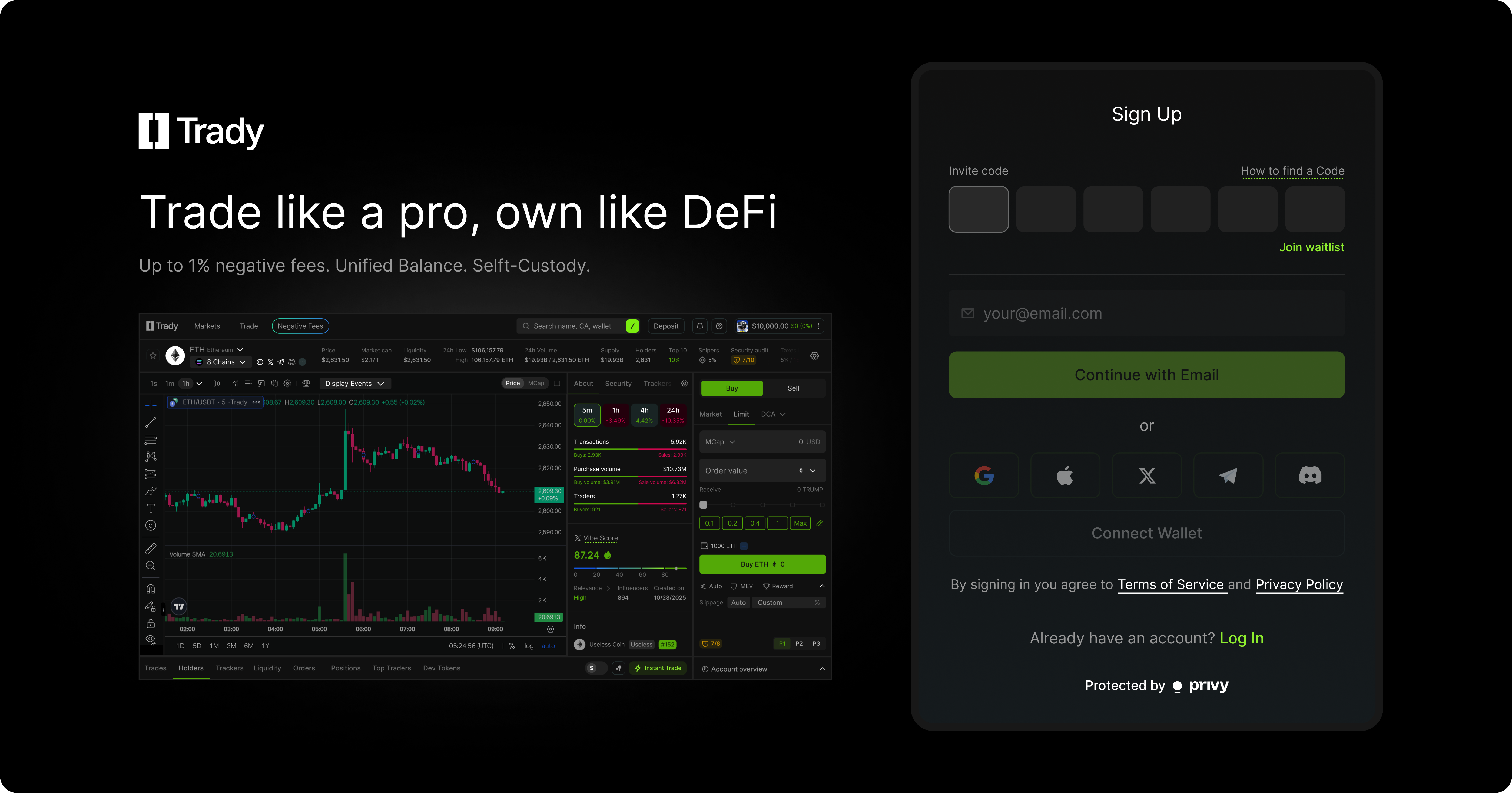
Create Account To create your account sign up with email or log in instantly via Twitter, Discord or other social accounts. Wallet registration is also supported.  You can set up your account by customizing your avatar and nickname. You can also choose whether to appear on the leaderboard, add your email, and link social accounts. Connect your EVM and Solana wallets to authorize access.

Deposit

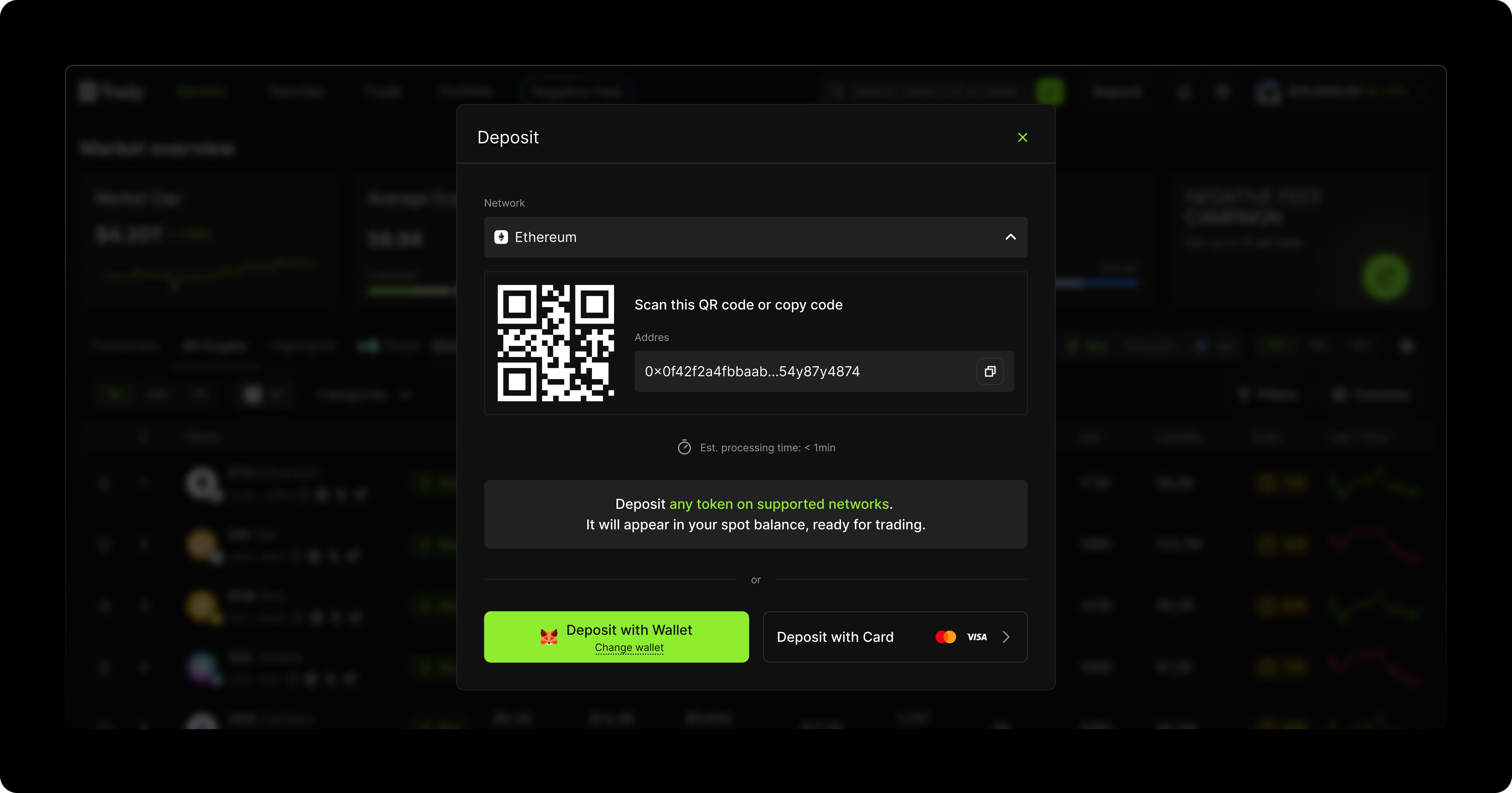
Deposit You can choose a network and copy the address or scan the QR code. If your wallet is linked, deposit in one click. You can also buy crypto with a card via Moonpay.

Withdraw

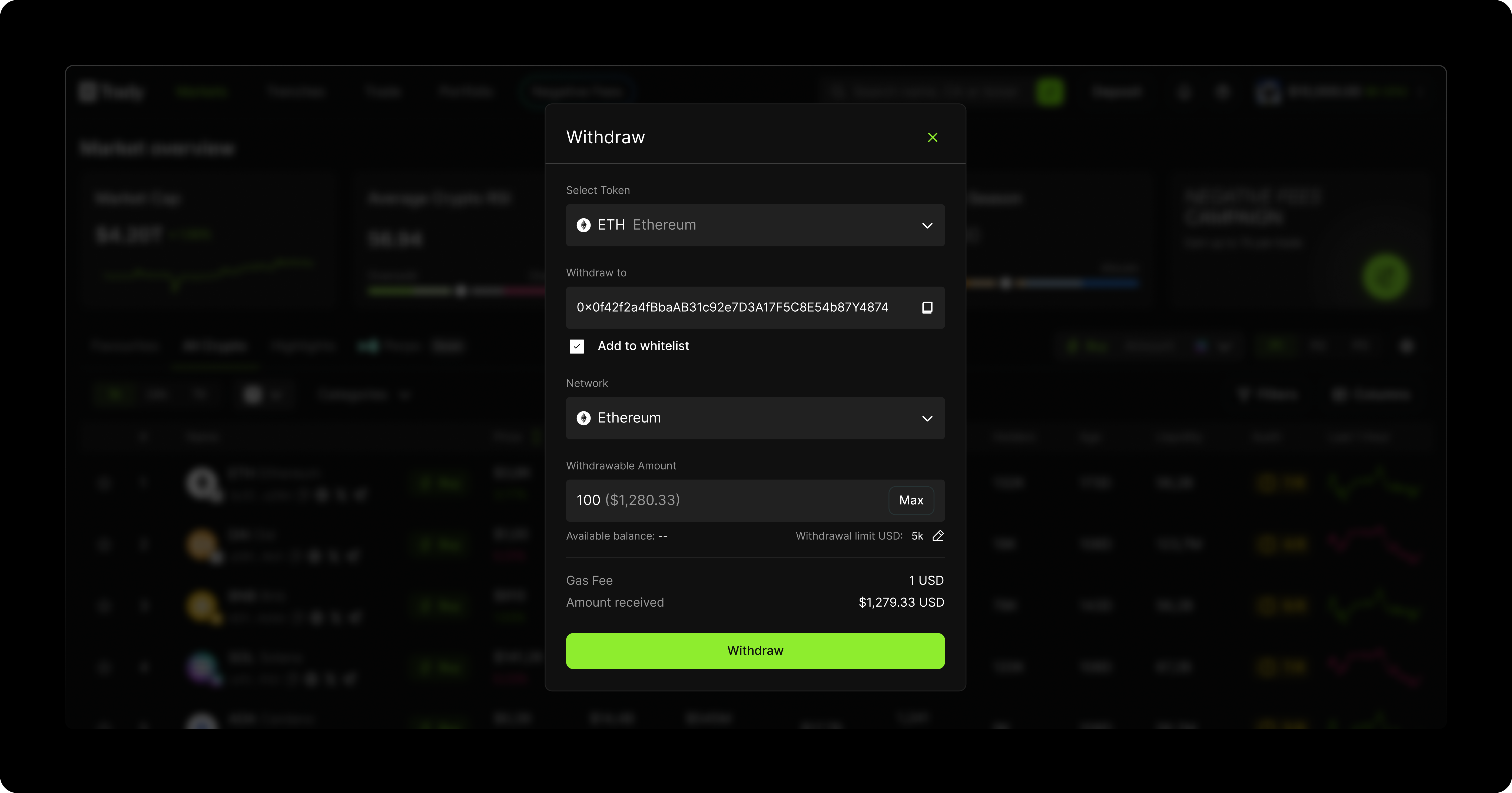
Withdraw You can select an asset, enter the recipient address, choose the network, and confirm the amount. Your funds will arrive soon.

Account Setting

Account Settings My Profile is the central place for managing your account, assets, security settings, and activity history.
  • Overview: Displays your key account information: wallets, trading volume, user tier, total balance, and recent transactions. Quick actions like deposit and withdrawal are available here.
  • Assets: A full breakdown of all your assets — including balances, value, and price movement. Each asset comes with quick action buttons: deposit, withdraw, or open chart.
  • Orders: Shows all open and completed orders. You can track statuses, review execution, and cancel active orders at any time.
  • Transactions: A detailed log of every deposit, withdrawal, trade, you’ve made — organized by date with full status info.

Security Settings
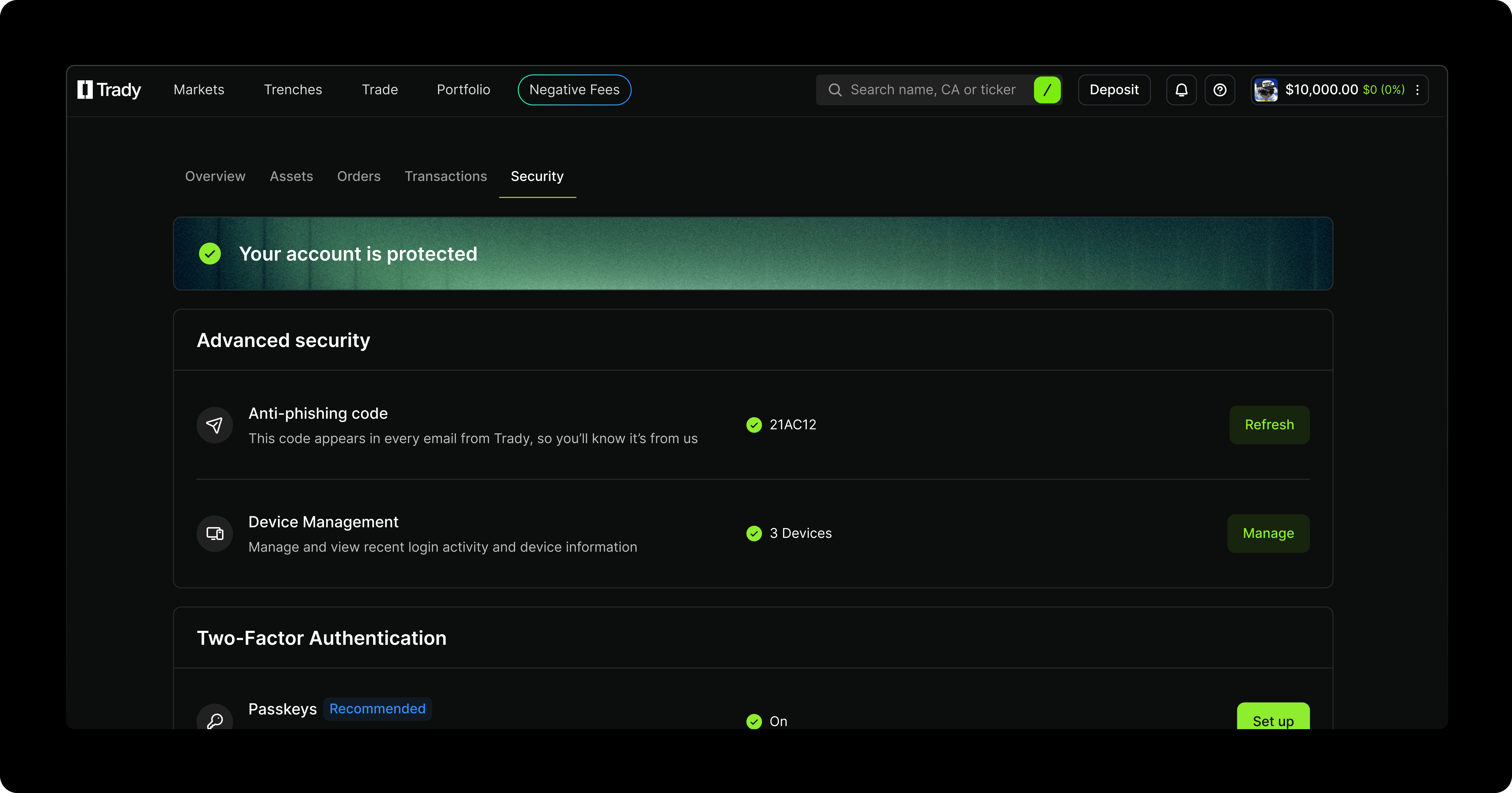
Security Includes all security features:
  • Two-factor authentication
  • Anti-phishing code
  • Email verification
  • Passkeys
  • Withdrawal limits
Your profile becomes your personal control hub for account and security management.