

- Thousands of trading pairs
- Market and limit orders
- Charts and indicators
- Full trade history and analytics
Buy & Trade
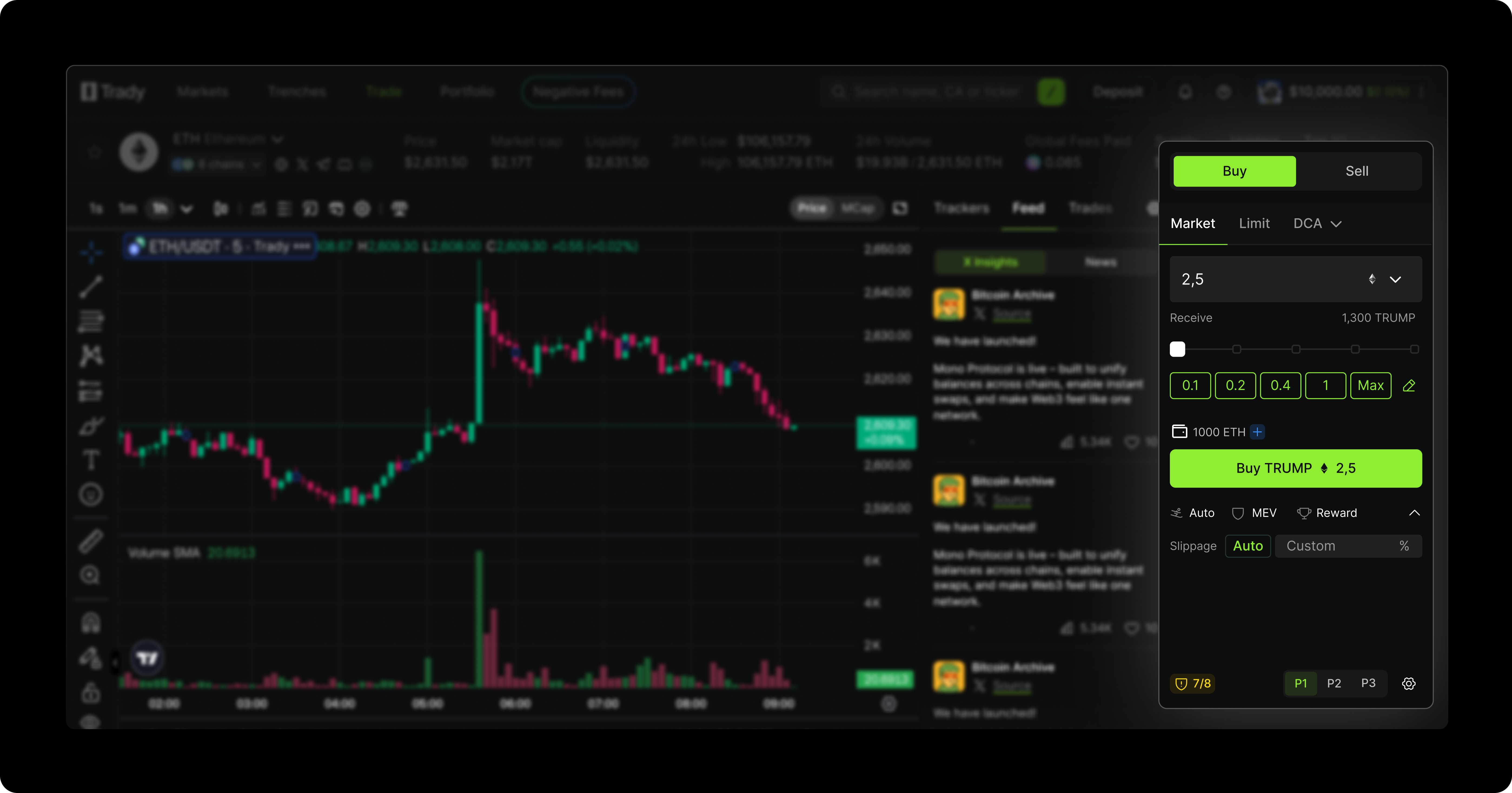
- Select Payment Token – Choose from the available options in the dropdown menu.
- Enter Amount – Input the amount manually in the chosen token or use the preset buttons for quick selection.
- Review Transaction Details – The platform will display: The amount of the asset to be received; Gas fees; Final total amount.
Finding Tokens
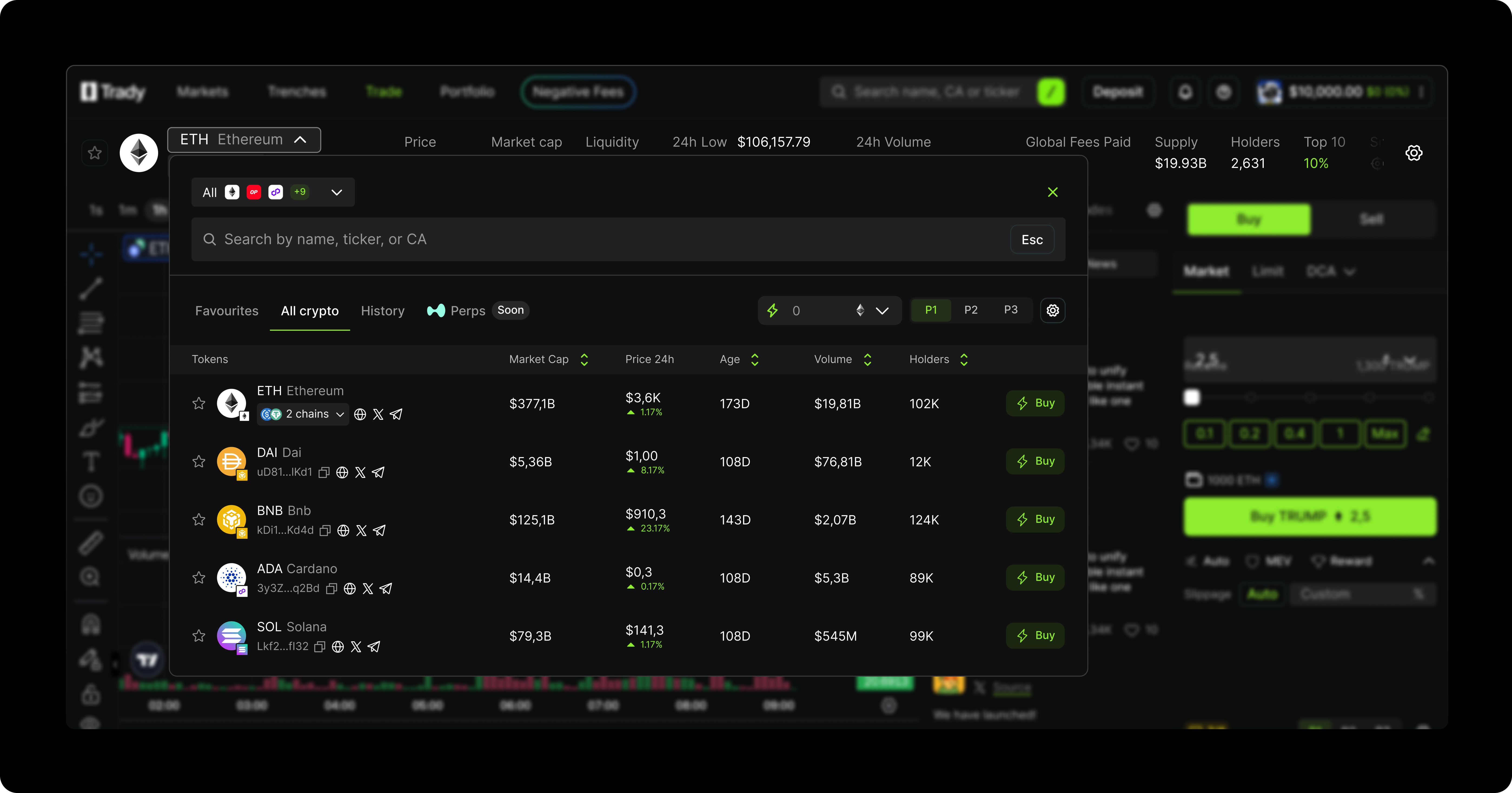
- Network
- Favorites
- The networks the token is available on
- Market cap
- Price
- 24h trading volume
- Token age
- Price change over the last 24 hours
Headline Tab
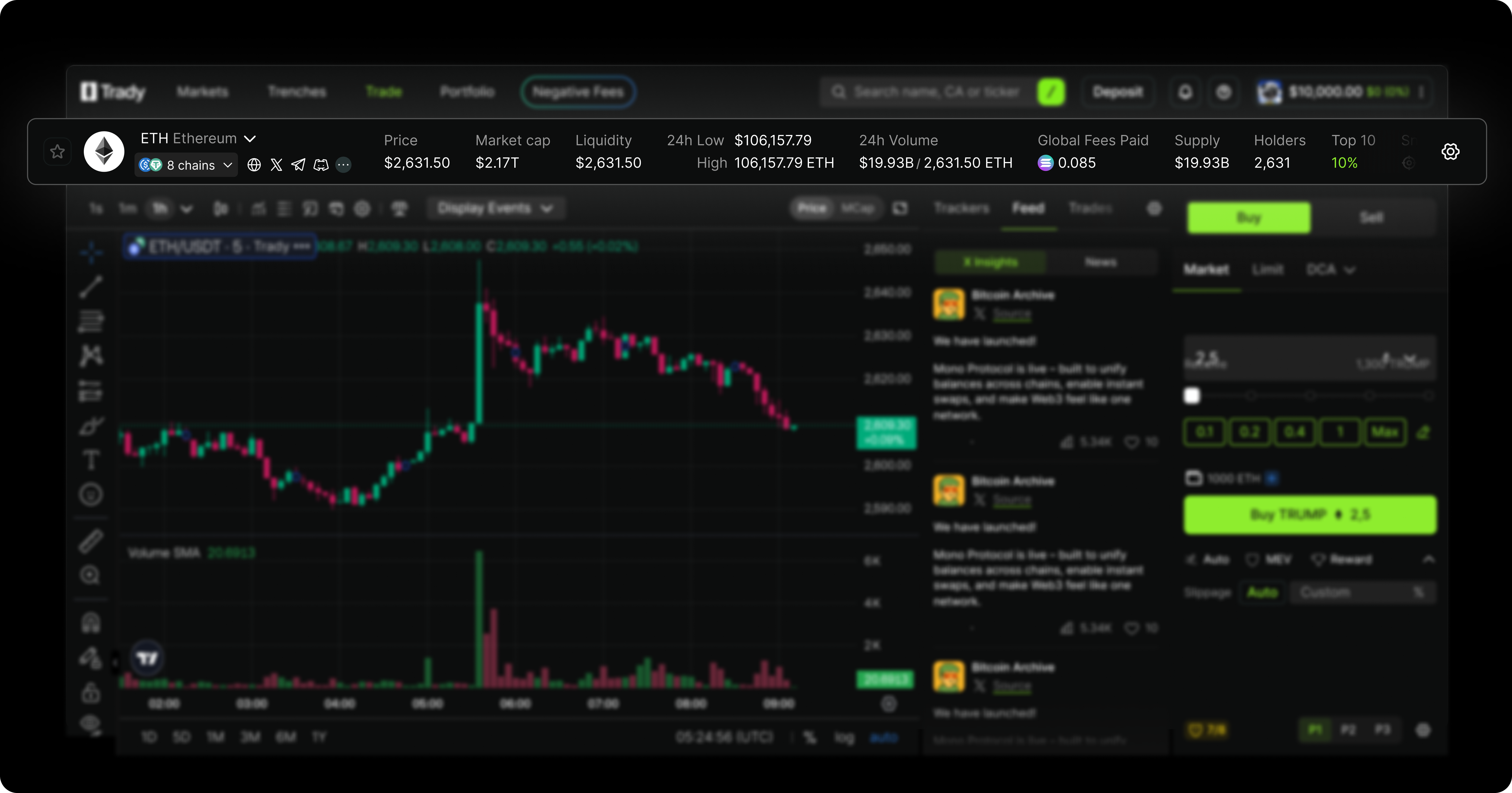
- Price – the current trading price of the token
- Market Cap – the total value of the circulating supply
- Liquidity – available liquidity for trading
- 24h Low/High – lowest and highest token price in the last 24 hours.
- 24h Volume USD/ETH – total trading volume in USD or ETH over the last 24 hours.
- Supply – the overall number of tokens in existence
- Holders – number of unique wallet addresses holding the token
- Top 10 – holdings of the 10 largest token holders
- Snipers – detection of rapid buy/sell bots affecting the token
- Security Audit – evaluation of the token’s smart contract security
- Taxes B/S – Token’s buy and sell tax rates
- Age – how long the project has been active
- DEV Migration – Information on developer wallet or contract migrations
Right Tab
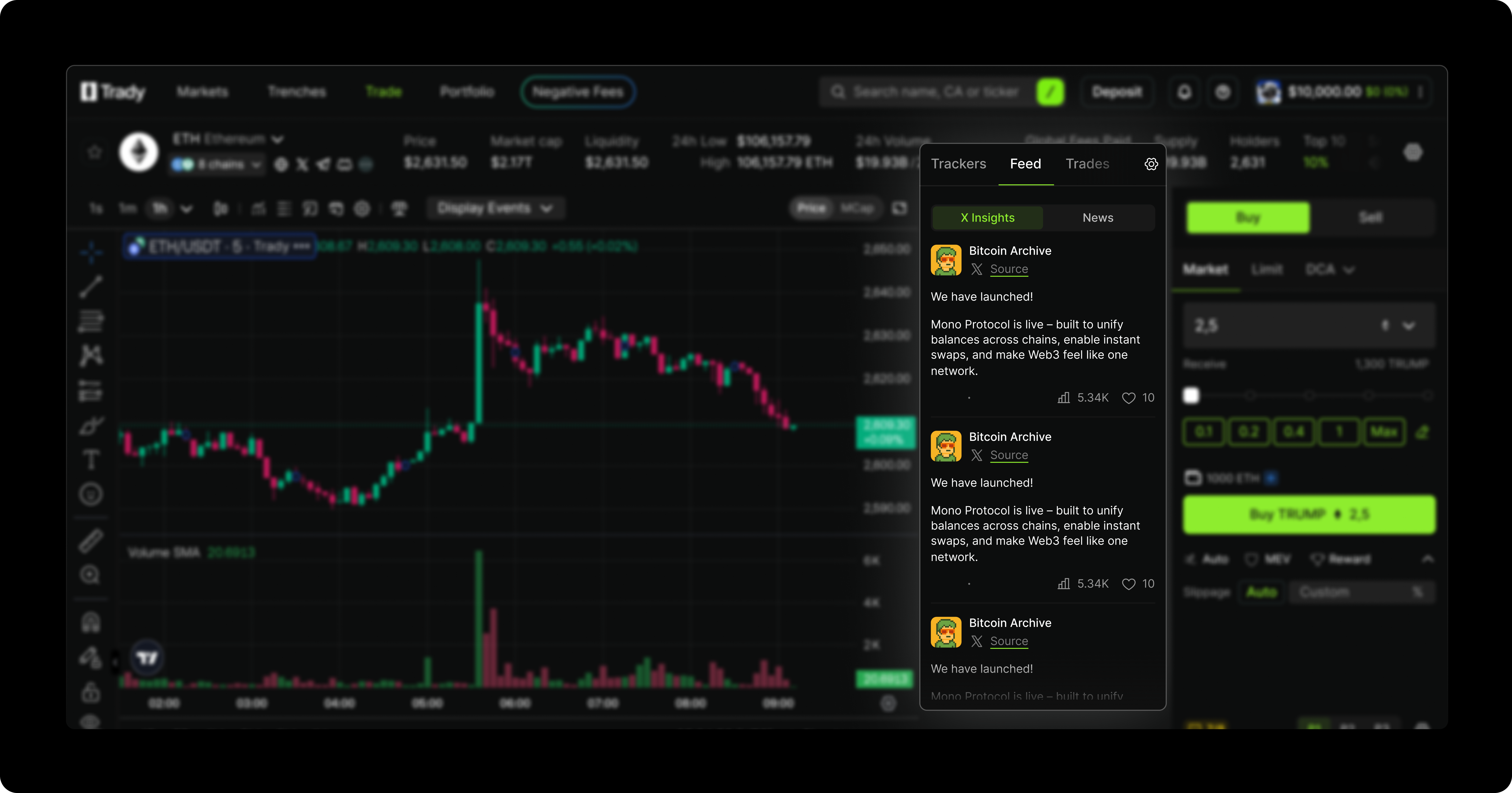
- About: Key stats for the asset, including total transactions, trading volume, number of traders, Vibe Score, and general token information.
- Feed: Live updates and announcements related to the asset.
- Security: Displays the Security Score, evaluating the asset’s safety and reliability.
- Trades: Detailed list of recent trades for the selected asset.
Bottom Tab
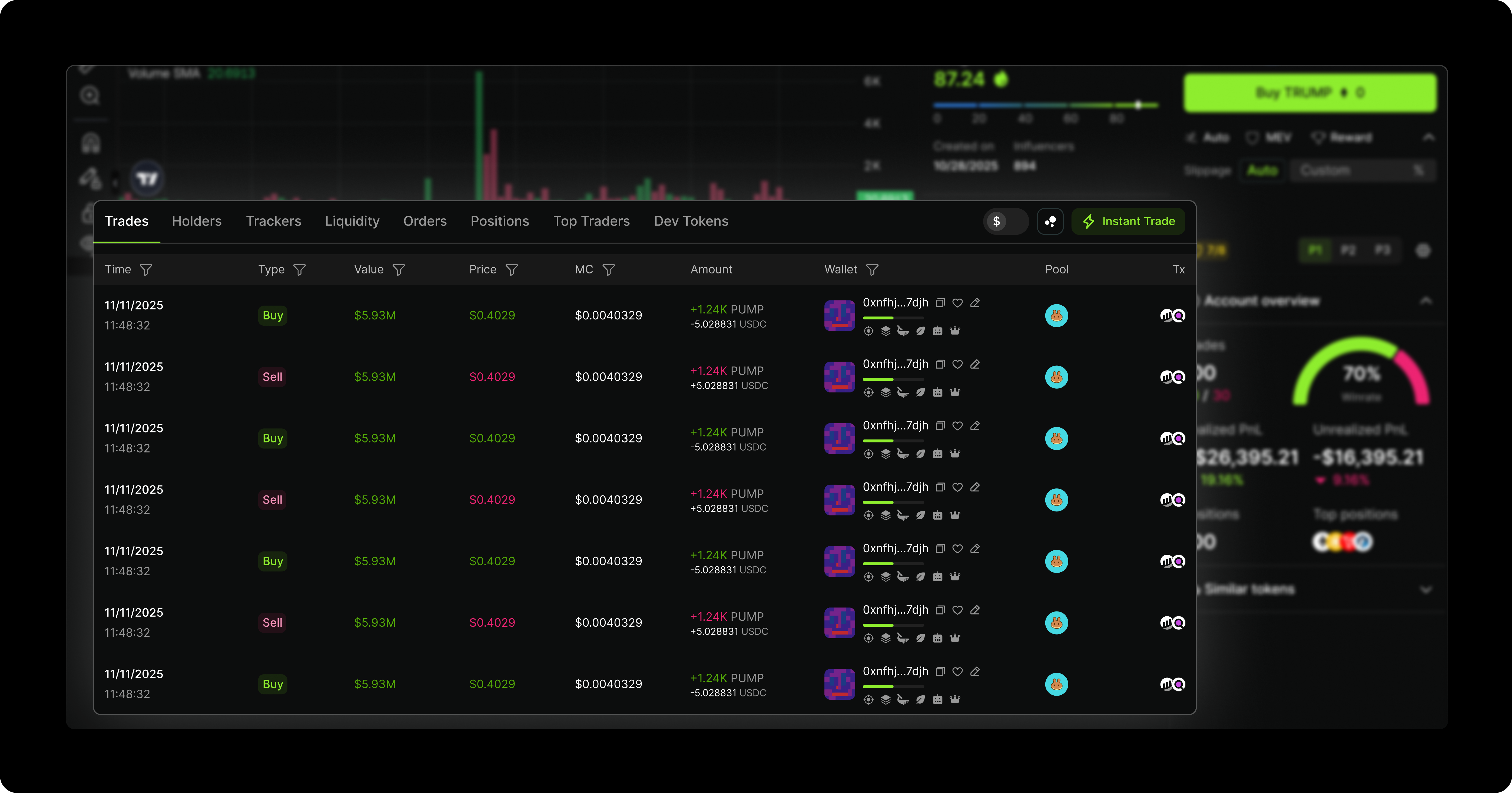
- Orders: View all current buy and sell orders for the selected asset.
- Positions: Track your open positions and their performance over time.
- Trades: See a detailed list of recent trades and executed transactions.
- Holders: Explore information about who owns the asset and their holdings.
- Top Traders: Identify the most active or successful traders for this asset.
- Liquidity: Check liquidity pools, depth, and how easily the asset can be traded.
- Dev Tokens: Monitor tokens held or managed by developers or project teams.
- Bubblemaps: Visualize trading activity and ownership distribution through interactive bubble charts.