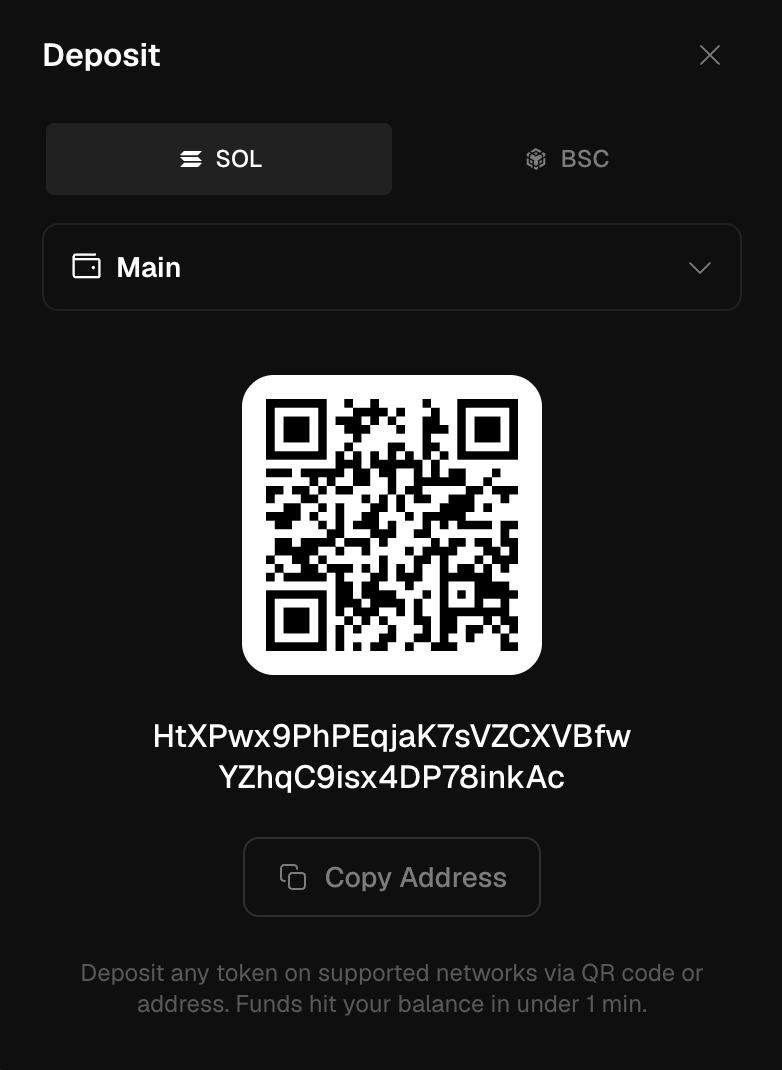
Get funds into Trady in one transfer. The only step that can go wrong is picking the network — everything after that is automatic. Where the money lands: Balances & Bridge.
How do I deposit funds into Trady?
- Click Deposit in the top bar (or from any buy panel when your balance is short).
- Pick the network you’re sending on: Solana, BNB Chain or Robinhood. This is the step that matters — funds sent on the wrong network may be unrecoverable.
- Copy your deposit address or scan the QR code.
- Send from your external wallet or exchange.
- Your balance updates as soon as the transaction confirms on-chain — usually seconds on Solana, under a minute on BNB.
Which assets can I deposit?
Any asset from a supported chain, any amount. No minimums, no token whitelist — USDC, USDG, SOL, BNB, or any token living on Solana, BNB Chain or Robinhood Chain.
Can I deposit directly from an exchange?
Withdrawing from Binance, Bybit, OKX etc. works fine — just match the network: if you copied your Solana deposit address, withdraw on the Solana network. Exchange UIs love to default to whatever network is cheapest for them.
Frequently asked questions
Why aren’t my deposited funds showing up?
Check the transaction hash on the explorer first (Solscan / BscScan). If it’s confirmed on-chain and still missing after 10 minutes, see Deposit & Withdrawal Issues.
Can I deposit memecoins I already hold?
Yes — any token from a supported chain is accepted, and existing positions show up in your Portfolio. Alternatively, import the whole wallet and skip the transfer.
Does Trady charge a deposit fee?
Trady charges nothing on deposits. You pay only the network fee on the sending side. Last modified on August 18, 2026