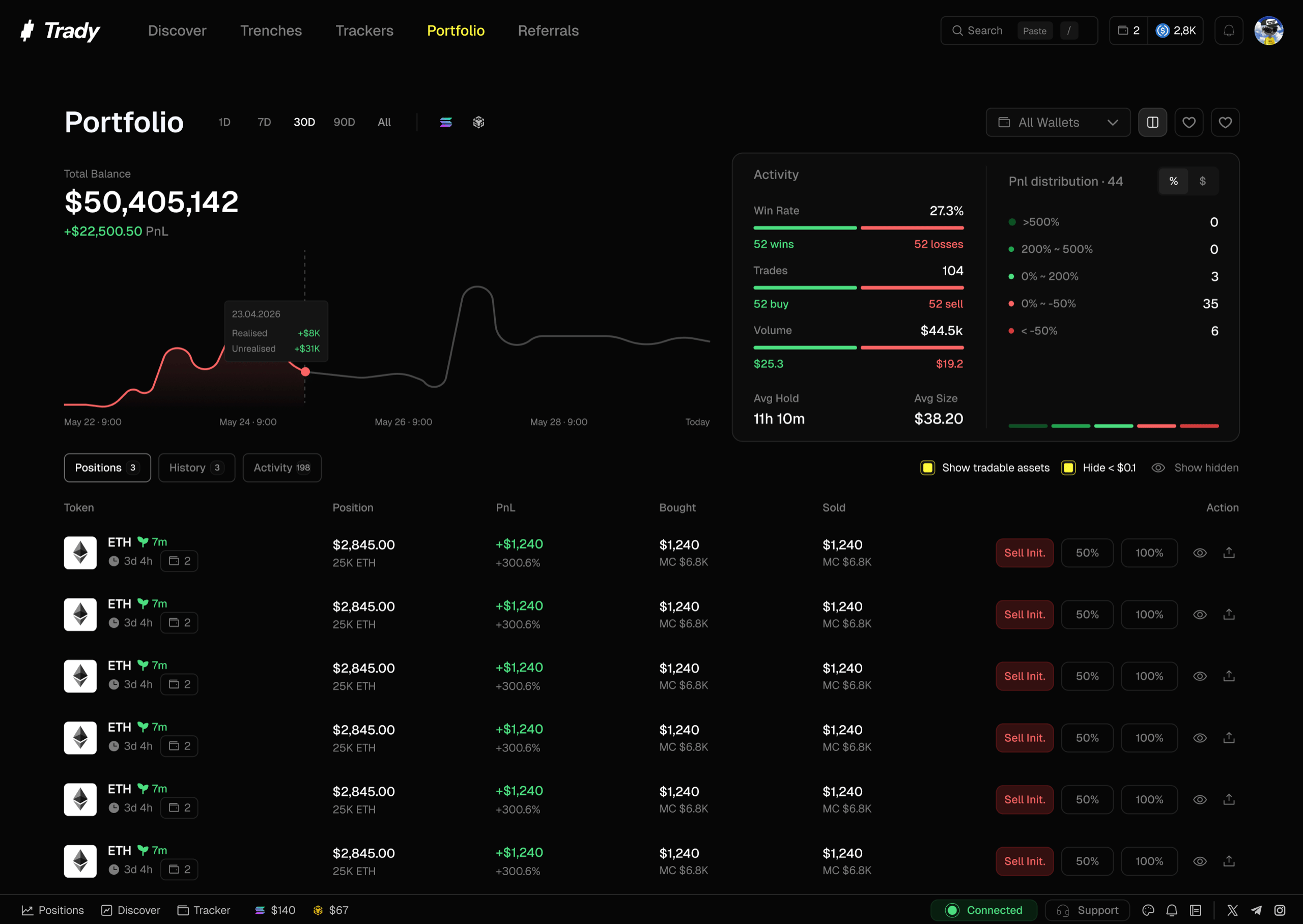
Your account’s home base: what you hold, what it’s doing, and what you’ve made or lost — updating as it happens.
The top section aggregates across all your wallets and chains:
- Total balance — everything, valued in USD
- Total PnL — realized + unrealized, with period selectors
- Volume, trade count & win rate — your activity, quantified
- Charts — Total Asset Value over time, Cumulative PnL % (with BTC overlay, so you know whether you’re beating the bar or just riding the market)
Open positions
Each row shows:
- Token, chain, amount
- Entry price (average, if you bought in tranches) → current price
- Total PnL — $ and %, realized + unrealized for the position
- Position size as % of portfolio — the number that keeps sizing honest. A “small punt” that’s 40% of your stack is not a small punt.
- Actions: Quick Sell presets, set a limit order, open the token page, share a PNL card
Closed positions & history
Full trade log: every buy and sell, timestamped, with realized PnL per position and per trade. Export it, review it, learn from it — the trade journal is where losses convert into rules.
The re-evaluation habit
Your portfolio isn’t a museum. For every open position, the question is never “am I up or down” — it’s “would I buy this, at this price, today?” If no, why are you holding it? Down 80% on a dead coin isn’t a position, it’s a memorial. Opportunities are abundant; capital locked in corpses isn’t earning the next one.
Frequently asked questions
Why does my balance differ from price × amount?
Portfolio values positions at executable prices from live liquidity — a large bag in a thin pool is worth what the pool pays, not what the ticker says.
Do imported wallets show in my portfolio?
Yes — every wallet in Wallets rolls up into the account view, and you can filter per wallet.
Why are random tokens I never bought appearing in my portfolio?
Airdrop spam — usually bait to a drainer site. Don’t interact; hide them. See Security. Last modified on August 18, 2026