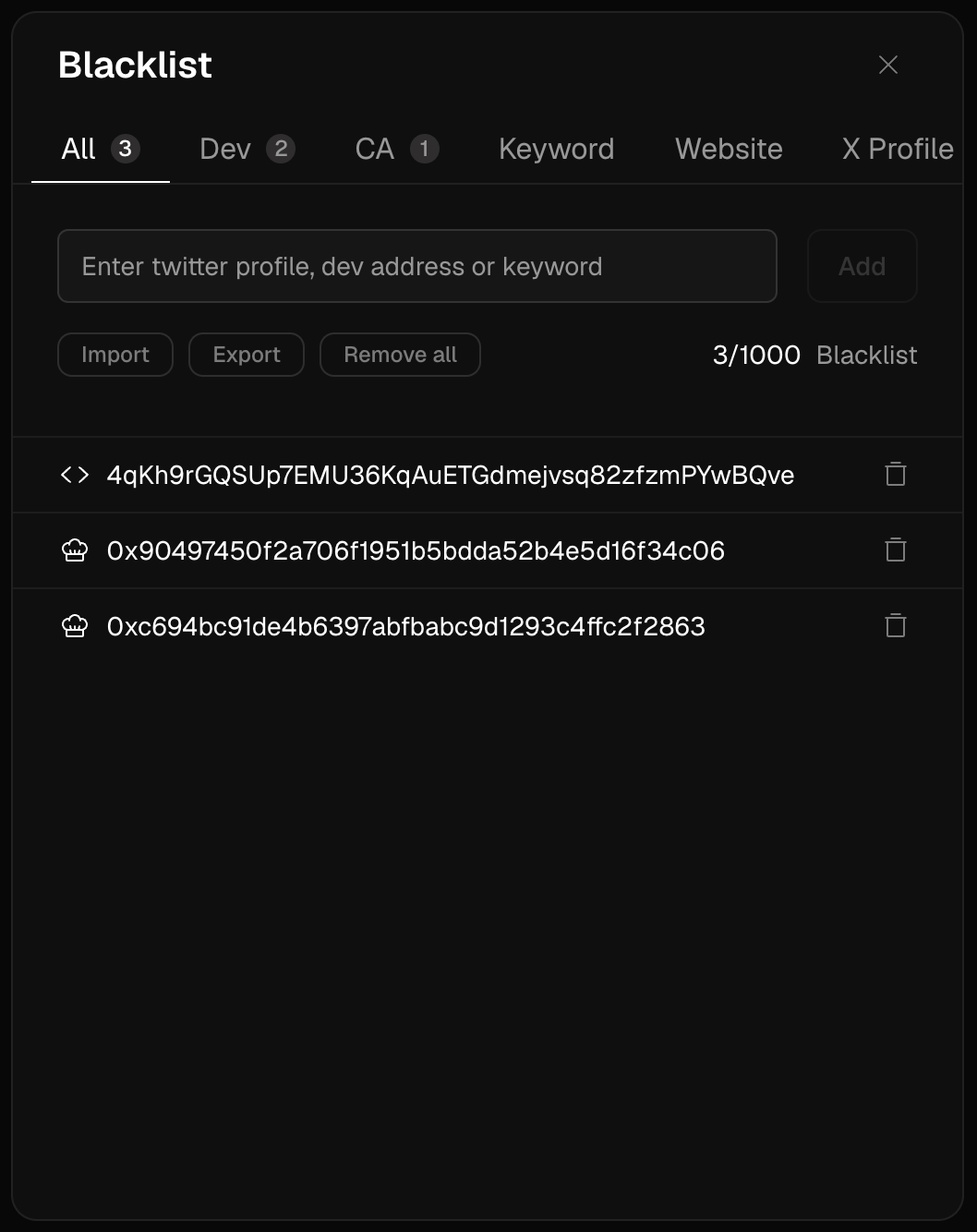
Some things you never want to see again. The Blacklist takes them out of every surface at once, and keeps them out until you say otherwise.
What you can blacklist
How to add
- From a token page or Trenches card: ⋯ menu → Blacklist → pick token / dev / keyword.
- From settings: Blacklist section → add entries manually, review and remove existing ones.
Why this matters more than it looks
The trenches are a noise war. Every serial dev you blacklist today is ten garbage launches you don’t evaluate tomorrow — and evaluation energy is a real resource. The traders who process more launches don’t have more hours; they’ve filtered harder.
Blacklisting a dev after they rug you converts a loss into a rule — which is exactly what a loss is for.
Frequently asked questions
Does blacklisting affect my open positions?
No — it’s a display filter. If you hold a blacklisted token, it still shows in Portfolio.
Is my blacklist visible to anyone?
No, it’s private to your account.
Feeds are already filtered by Trady’s security checks for known scam patterns; the Blacklist is your personal layer on top. Last modified on August 18, 2026